


Microsoft went down. Did your business continuity plan go down with it?
Friday the 13th proved rather unlucky for millions of Microsoft 365 users. But after nearly 24 hours of disruption, there’s a much bigger conversation we need to have about how dependent we’ve become on the cloud, and what happens when it stops working.
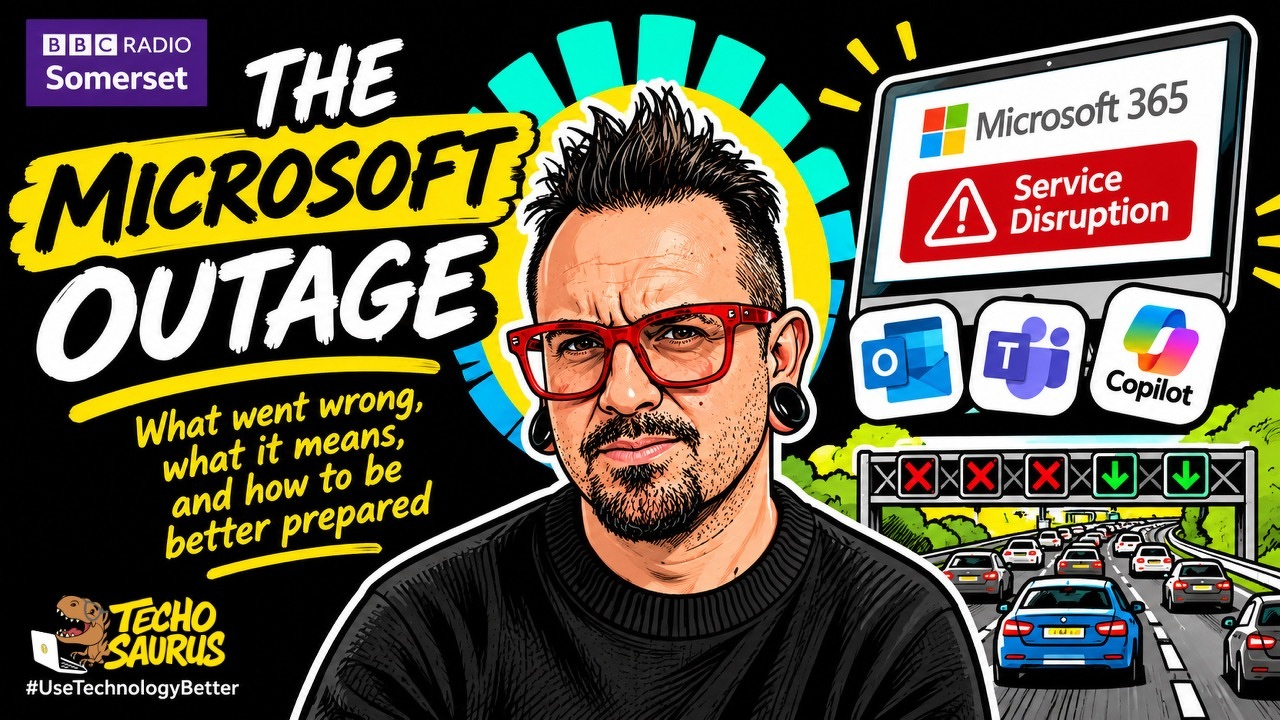
On Friday 13 November, I found myself in a rather strange position. My emails were apparently arriving, according to Outlook, but I couldn’t actually open them. Teams meetings I was supposed to attend weren’t happening, webinars were being missed, and trying to get anything done was becoming increasingly frustrating.
And I certainly wasn’t alone. Businesses, public services, schools, hospitals and individuals all over the world were experiencing some form of disruption to Microsoft’s services. Outlook, Teams, Copilot and other parts of Microsoft 365 were affected, with problems reported from more than 70 countries.
By Monday morning, I was on BBC Radio Somerset, chatting with Charlie Taylor about what had happened, why it had taken Microsoft so long to fix, and what we should learn from it. Now, trying to explain a worldwide technology failure on live radio in just a few minutes is quite a challenge, especially when the technical explanation involves network infrastructure, server capacity, software faults and traffic routing.
So I went with a motorway analogy. And actually, I think it’s quite a useful way of understanding what happened.
What actually went wrong at Microsoft?
The problems started on the evening of Thursday 12 November, UK time, and continued throughout much of Friday 13 November, with Microsoft confirming on Saturday 14 November that services had been fully restored.
Microsoft published a preliminary report on Sunday 15 November, and we’re still waiting for the full post-incident report, which should explain the precise cause and what’s being done to prevent a repeat.
From what’s been shared so far, the fault traces back to a fix Microsoft applied to part of its network infrastructure back in July. Somewhere within that fix was a problem that sat there quietly for more than 3 months without anybody noticing.
Then, last week, a change to how traffic was being routed, combined with some of the server capacity being out of action, brought that hidden problem to the surface. The systems responsible for establishing connections to Microsoft 365, and to Exchange Online in particular (the service behind much of Microsoft’s business email), started queuing up more and more requests. Eventually, the affected servers ran out of processing capacity and couldn’t handle new connections.
Now, that probably sounds quite technical, so let’s picture something a little more familiar.
Imagine a 5-lane motorway, with thousands of cars travelling along it every hour. Under normal circumstances, everything moves reasonably well. There’s plenty of capacity, and the traffic is spread across all 5 lanes.
But what happens if we close one of those lanes? The remaining 4 have to take all the traffic, so things start slowing down. Close another lane and it gets worse. Close another and we’re suddenly trying to squeeze 5 lanes' worth of traffic through just 2. Eventually, everything comes to a standstill.

That’s broadly what happened within Microsoft’s infrastructure. As servers stopped responding, their traffic was automatically diverted to the healthy ones, which is exactly what’s supposed to happen. The trouble is that the extra load triggered the same fault there too, and at the worst point more than 80% of the servers involved had stopped responding.
And here’s where things became really difficult for Microsoft. Even when engineers managed to bring some of those servers back online, they found that servers were falling over again as soon as the waiting traffic came flooding back. It’s a bit like reopening a lane of our motorway, only to discover that the queue behind it immediately causes another blockage.
So they couldn’t simply turn everything off and back on again, as we all love to suggest when something goes wrong with a computer. They had to take groups of servers out of service, apply a fix, restart them and feed the traffic back in gradually, checking that everything stayed stable along the way.
And of course, while all this was happening, people were still trying to send emails, access documents and connect to services, so all those requests kept building up. Even once services started coming back, Microsoft still had to work through the backlog of messages that had piled up during the outage.
There’s something else to clear up here, because it quite understandably caused concern while all this was going on. Microsoft has specifically said that this was a technical issue, unrelated to a cyberattack or to AI agents.
There was plenty of speculation online all the same, including attempts to connect the outage with Microsoft’s recent announcement about its workforce. Some of what I saw suggested the company was laying off 60,000 people, when the actual announcement, made on 26 October, was a voluntary exit offer open to around 60,000 eligible employees. There’s currently no evidence connecting those workforce changes to this incident.
Until the full technical report is published, I think we need to be careful about presenting theories as facts.
We’ve become very comfortable living in somebody else’s computer
One of the things Charlie raised during our conversation was just how many organisations depend on Microsoft. And he’s absolutely right.
Think about how much of your working day depends on access to your emails, calendar, documents, meetings and business applications. For many businesses, almost everything they do now relies on cloud services. It’s something we’ve all become very familiar with over the last decade, and even more so since COVID, when millions of people suddenly needed to be able to work from home.
But what actually is the cloud? I often explain it to people in a fairly simple way.
The cloud is just somebody else’s computer.
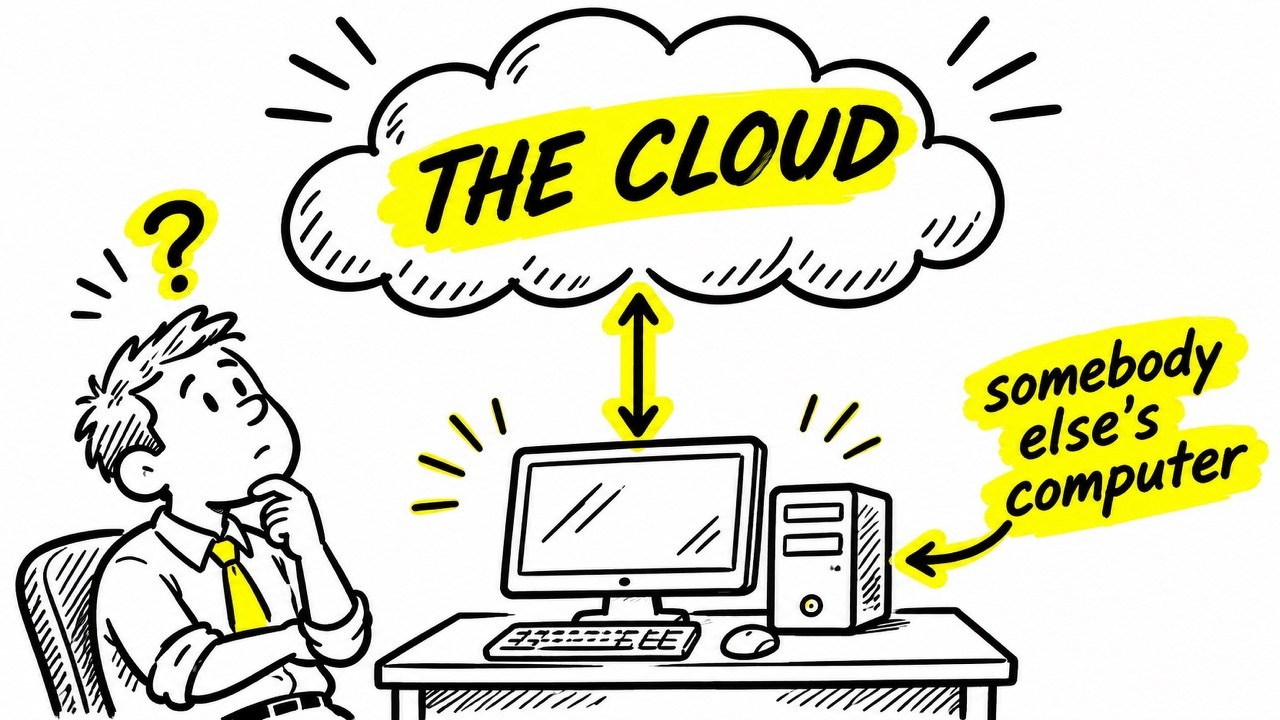
Of course, behind the scenes, it’s a little more complicated than that. We’re talking about enormous data centres, thousands upon thousands of servers, complex networks and some incredibly clever engineering. But fundamentally, when you subscribe to Microsoft 365, Google Workspace or another cloud service, you’re paying to access computers and services that somebody else owns, operates and maintains.
Years ago, many businesses had their own servers sitting in a cupboard or a dedicated server room somewhere in the building. Somebody had to look after them, install updates, replace failed equipment, manage backups and make sure everything kept running. Cloud computing has allowed businesses to hand much of that responsibility to organisations that specialise in providing these services.
And that’s been incredibly useful. Smaller organisations can access technology that would previously have cost them a fortune to install and maintain themselves. Employees can work from almost anywhere, collaborate with people on the other side of the world and get to their information without being physically connected to an office.
I think that’s fantastic, and I’ve spent much of my career helping organisations take advantage of exactly those opportunities. But there is a consequence to outsourcing that responsibility.
We can outsource the infrastructure. The consequences stay with us.
When Microsoft’s computers stop responding, it’s still your customers who can’t contact you, your staff who can’t access their information, and your business that has to deal with the disruption. And that was very apparent on Friday.
When email disappears, what else stops working?
What really struck me about this outage was how far its effects reached.
For some people, it was an inconvenience. They couldn’t check their emails, join a Teams meeting or get hold of a document they needed. For others, the consequences were considerably more serious.
Across the UK, NHS organisations reported problems with email and administrative systems, with some staff having to fall back on paper records. Court hearings were delayed or cancelled, police forces lost their online crime reporting service for several hours (999 and 101 stayed open), and people in the middle of house purchases found themselves struggling to communicate with solicitors, estate agents and everybody else in the chain.
And if you’ve ever bought a house, you’ll know just how much can depend on everything happening at the right time, particularly on a Friday.
There were also some rather good examples of organisations working around the disruption. NHS Supply Chain, for example, reported that its warehouse and transport operations were carrying on as normal, even though some of its email communications and orders were affected. Suppliers who would usually receive their orders by email were pointed to its supplier portal instead.
I think that’s a useful example because it shows what business continuity actually looks like in practice. The technology failed, so people followed an alternative process that allowed the important work to continue.
During my conversation with Charlie, he mentioned that BBC email had also been affected, although fortunately his Friday had been spent running a half marathon for Children in Need. As it turns out, running is one of the few activities that doesn’t require Outlook to be working.
But for businesses where communication is central to everything they do, losing email for a working day can be hugely disruptive, and the financial impact is something I don’t think we’ll ever be able to calculate accurately. How do you measure the cost of missed appointments, delayed contracts, unanswered enquiries or staff who couldn’t complete their work? Multiply those interruptions across organisations in more than 70 countries, and you’re looking at an extraordinary amount of lost productivity.
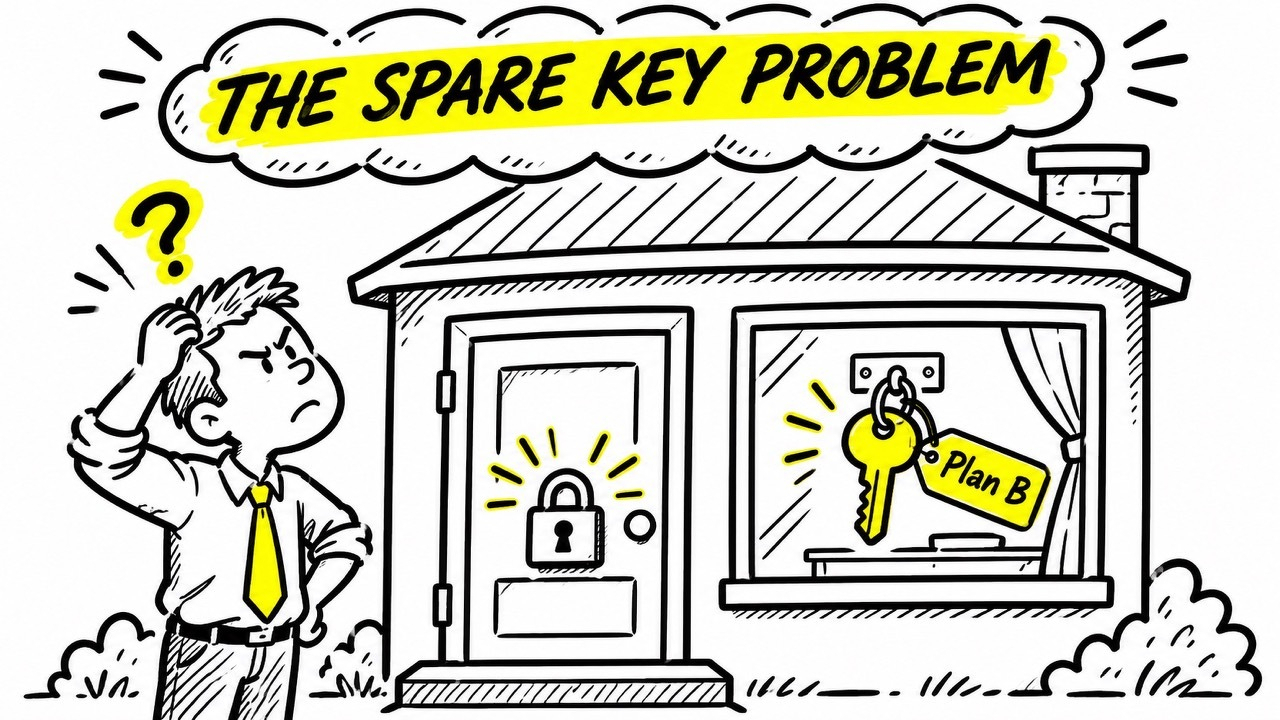
There’s also a more concerning issue here. For some organisations, the very information they needed to respond to the outage was stored inside the systems that had stopped working. Their business continuity plans, emergency contact information, staff telephone numbers and essential documents were all sitting somewhere within Microsoft 365.
Which is rather like having a spare key for your house, but keeping it locked inside the house. It’s a brilliant spare key until you actually need it.
This has happened before, and it will happen again
Something else I wanted to look into following the interview was how often this sort of thing happens. And we don’t have to look particularly far back.
On 22 and 23 January 2026, Microsoft had another significant Microsoft 365 disruption, affecting services including Outlook, Microsoft Defender and Purview. That incident lasted around 11 hours from the initial acknowledgement through to the all-clear and was mostly associated with infrastructure in North America. There were further Exchange Online disruptions on 16 March and 31 August too, although neither came anywhere close to what we saw last week.
The November outage was far more widespread, affecting users across multiple continents and continuing through much of the following working day.
So we’ve now had several notable Microsoft 365 incidents in less than 12 months. Does that mean Microsoft is becoming less reliable? I don’t think we can make that judgement from a handful of incidents. We’d need to look at much more information about the frequency, duration and impact of outages over a longer period.
But there’s another part to this that I think deserves attention. As more organisations move more of their systems into the cloud, the consequences of an outage spread further.
Imagine a small business 20 years ago with its own email server. If that server failed, it was a problem for that particular business. Now imagine thousands of businesses using the same cloud provider, with their communications, documents and business processes all dependent on services that share parts of the same infrastructure. When something goes wrong at that scale, the effects can spread across industries and countries incredibly quickly.
And Microsoft certainly isn’t alone in this. Google, Amazon and other major cloud providers have all had service disruptions over the years. Moving everything to a different provider simply changes which organisation you’re depending upon.
Cloud technology is going to continue being a huge part of how we work, and rightly so. I just think we need to become much more conscious of how dependent we’ve become on those services.
So what should businesses actually do?
This is the part of the conversation I really wanted to spend more time on during the radio interview, because I think it’s where businesses can take something useful away from what happened. And I would start with one very simple question.
If Microsoft 365 disappeared tomorrow morning, could your business still operate?
I’m talking about losing access to your emails, Teams, calendars and potentially some of the documents and applications you use every day. How would you contact your customers? How would you get hold of your employees? Could you access the information you needed to fulfil existing orders or respond to an urgent enquiry?
And perhaps most importantly, would everybody know what they were supposed to do?
For a small business, the answer might be quite simple. You could have an alternative way for employees to communicate, a securely stored copy of essential customer contact information and a basic set of instructions explaining what to do during an outage.
For a larger organisation, the planning is naturally going to be more involved. Different departments will depend on different systems, and some processes will matter far more than others. But the principle is exactly the same. You need to understand what your business depends upon and what happens when those dependencies become unavailable.
And that includes thinking about where you store your contingency plans. If the only copy of your business continuity plan lives in a SharePoint site, and you can’t access SharePoint, how useful is that plan going to be?
An independent, appropriately protected copy of your essential procedures and contact details could make an enormous difference. We still have responsibilities around data protection and security, of course, so printing out your entire customer database and leaving it in a drawer would just create a different problem. The sensible approach is to work out which information is essential, who might need it during an emergency and how they could get to it securely without relying on the systems that have failed.
Backups and business continuity are 2 different things as well, and they often get confused. Backups are incredibly important. They help protect your information against deletion, corruption and loss. But having a backup of your emails doesn’t mean you can carry on sending and receiving emails if Microsoft 365 becomes unavailable, and having a copy of your documents doesn’t mean your staff can carry on with all the business processes that depend on them.
Business continuity is about keeping the important parts of your organisation functioning when something unexpected happens. Sometimes that might mean using another communication platform. Sometimes it might mean picking up the telephone, working through a documented manual process or temporarily operating in a different way.
And sometimes it might mean accepting that certain activities have to stop until services are restored. That’s fine too, provided you’ve thought about the consequences beforehand.
There’s one other thing I’d encourage businesses to do, which is to actually test their plans.
It’s incredibly easy to create a document called ‘Business Continuity Plan’, save it somewhere and feel reassured that you’ve dealt with the problem. But when was the last time you checked whether it would actually work?
Turning off all your systems for a day is more than most businesses need. Get the people responsible for running your business together and talk through what you’d do if your main cloud services became unavailable. You’ll probably discover fairly quickly which information, processes and communication methods you’ve taken for granted.
And I’d much rather discover those gaps during a conversation over a cup of coffee than at 9 o’clock on a Friday morning when everything has stopped working.
The bigger lesson from Friday the 13th
I think we’ll see plenty more discussion about this outage over the coming days, particularly once Microsoft publishes its full technical findings.
There will quite rightly be questions about how a fix made in July could introduce a fault that only became apparent months later, how that problem spread across so many services, and what Microsoft is going to do to reduce the chances of it happening again. Those are fair questions, and Microsoft should be held accountable for providing clear answers.
But I also think there’s a responsibility on all of us who use these services, particularly those of us running businesses or helping organisations make decisions about their technology.
We’ve become incredibly good at adopting technology that makes our working lives easier. We’ve moved our emails, documents, meetings and business processes into the cloud, often for very good reasons, and we’ve built more and more of our everyday operations around the assumption that those services will be available whenever we need them.
Friday was a reminder that sometimes they won’t be.
I’ve seen far too many examples of the benefits cloud technology can bring, especially for smaller organisations that could never have afforded comparable technology themselves, to want anybody frightened of using it. What I’d like is for businesses to think a little more carefully about what happens when the technology they depend on becomes unavailable.
Because the next outage might be Microsoft. It might be Google, your internet connection, your telephone provider or any number of other services your organisation relies upon. And when it happens, you’ll be very glad you spent a little time thinking about what you would do.
After all, your Plan B needs to work when your Plan A doesn’t.

#UseTechnologyBetter
Scott Quilter FBCS is Co-Founder and Chief AI & Innovation Officer at Techosaurus, a Somerset-based company helping organisations understand, adopt and use technology better. Scott discussed the November 2026 Microsoft outage with Charlie Taylor on BBC Radio Somerset on Monday 16 November.